
Midjourney Unveils New Feature to Create Consistent Characters
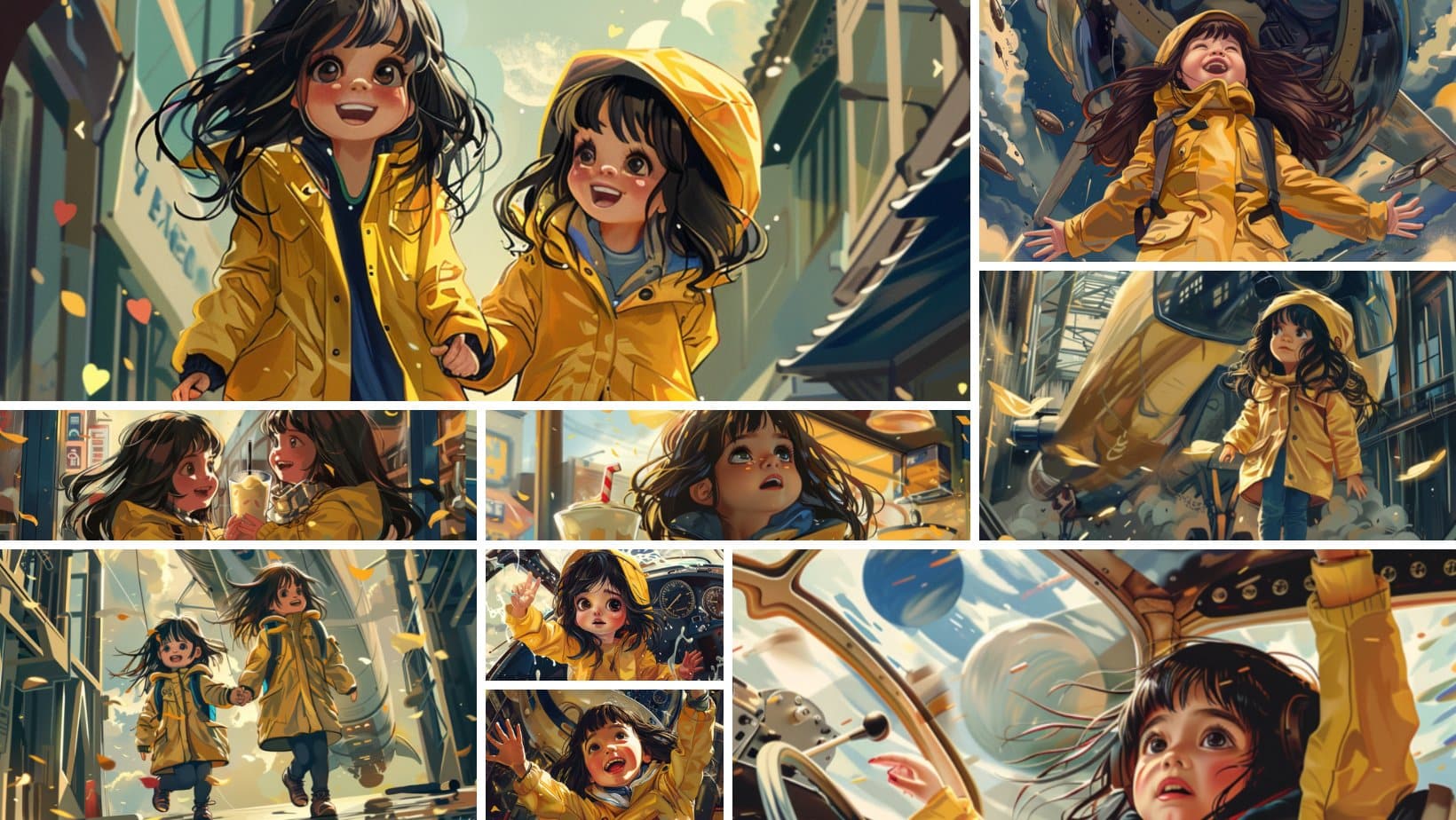
San Francisco based generative AI research lab Midjourney has released the new feature called “Character Reference” that claims to generate consistent characters across multiple reference images, a struggle users have been going through for a while now.
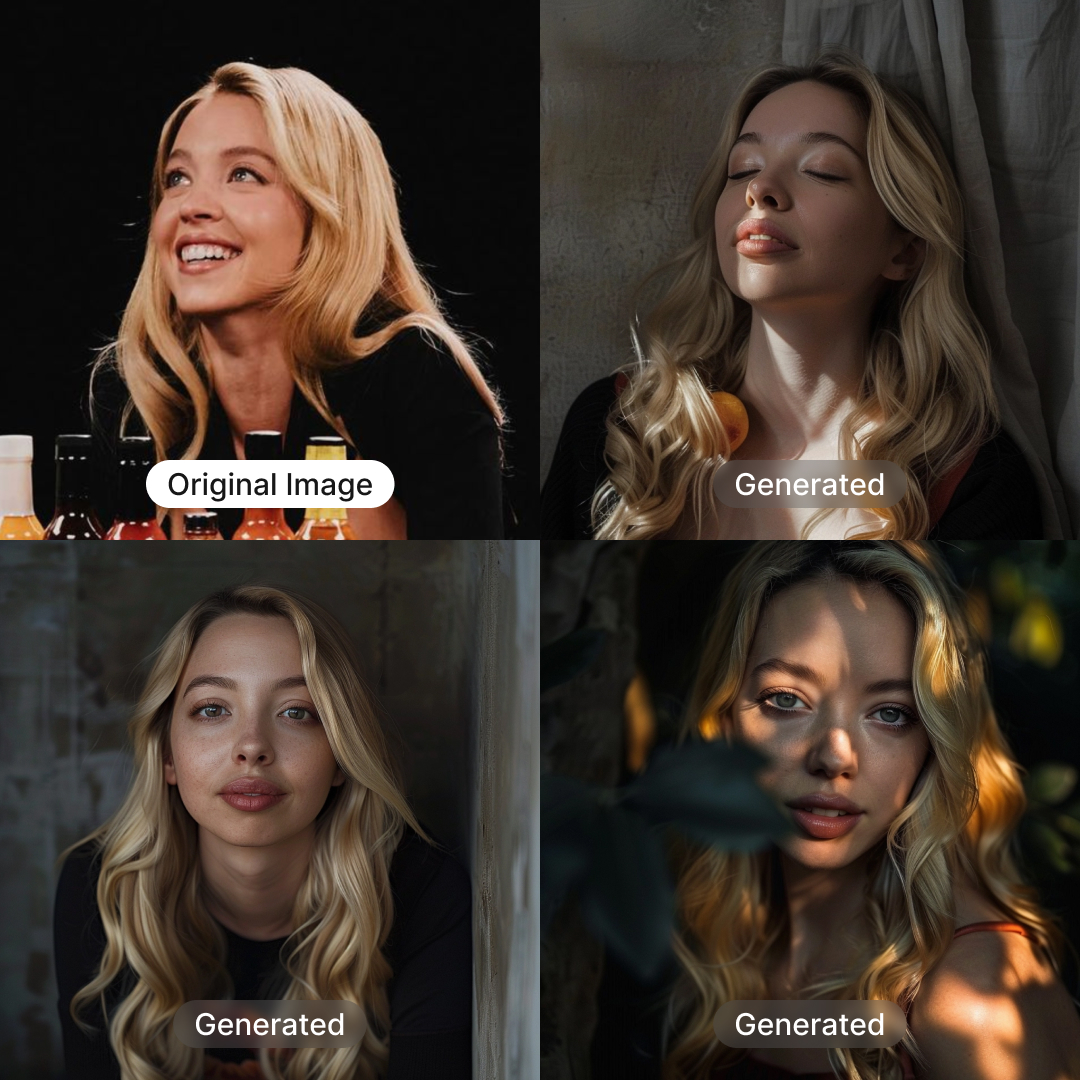
Source: Dogan Ural on X
How it Works
- Type “–cref URL” after your prompt with a character image URL.
- Modify reference ‘strength’ using “–cw” from 100 to 0.
- Default strength 100 (–cw 100) considers face, hair, and clothes.
- Strength 0 (–cw 0) focuses only on the face (ideal for changing outfits/hair).
- Blend information from multiple images using “–cref URL1 URL2” (similar to multiple image or style prompts).
Generate Character Image
- Retrieve or generate the character image URL through Midjourney.
- Use “–cref” followed by the URL to generate the character in various settings.
Adjust Image Variance
- Control how closely the new image reproduces the original character.
- Use “–cw” followed by a number (1 to 100) to adjust the variance.
- Lower numbers provide more variation.
- Higher numbers closely follow the original reference.
Advanced Options and Considerations
- Use multiple “–cref” tags with respective URLs to blend information from multiple images.
- In Midjourney’s web alpha version, users can drag or paste an image, selecting it as a prompt, style reference, or character reference.
Several users have taken to social media to appreciate the new feature.
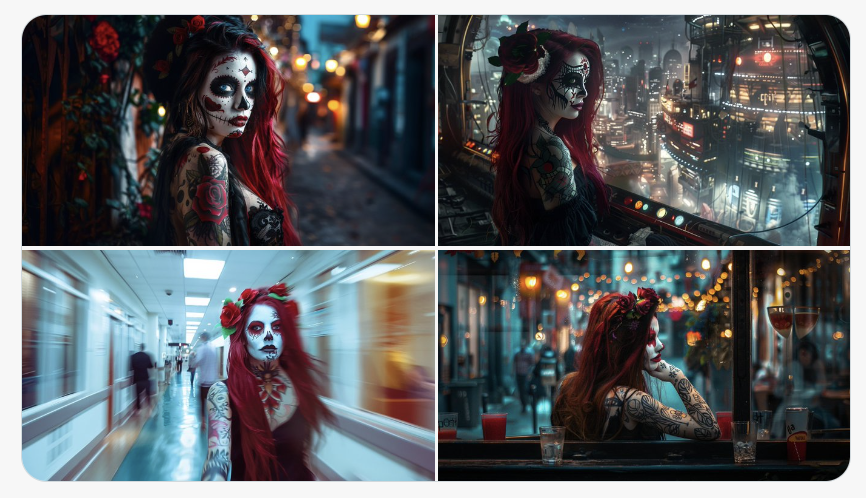
Source: Deedy (X)
The post Midjourney Unveils New Feature to Create Consistent Characters appeared first on Analytics India Magazine.